
How do I link my Hard Rock Neverland Casino mobile account to the web version?
Linking your account is quick and easy:
- Launch Hard Rock Neverland Casino in your web browser
- Select Play Now on the login screen to display a QR code.
- Open your camera on your mobile device and scan the QR code displayed.
- Confirm the linking request on your mobile device.
Once completed, your web session will automatically sign in using your existing mobile account, giving you access to your progress, rewards, and game data.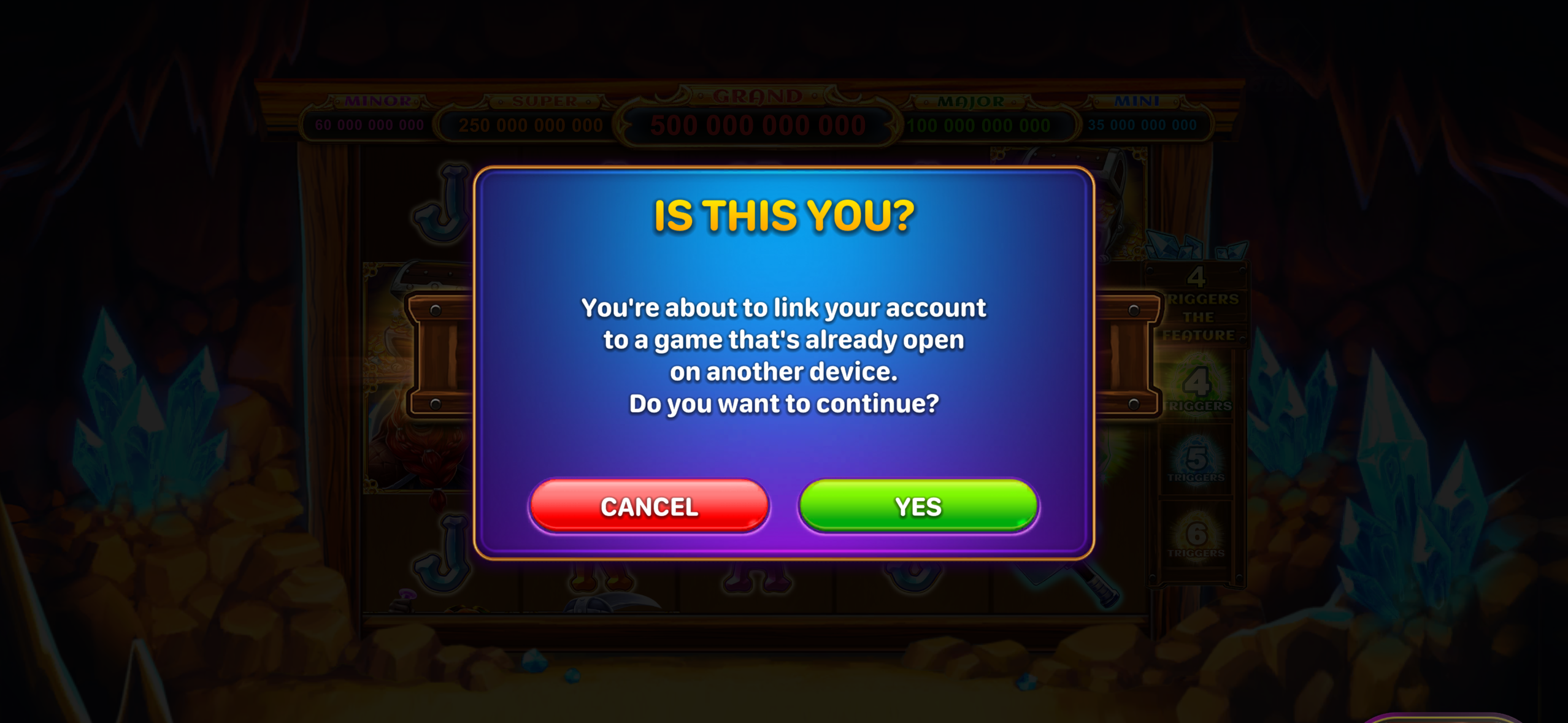
Do I need to create a new account for the web version?
No. Linking your existing mobile account allows you to use the same account across both mobile and web platforms.
What if the QR code won't scan?
Make sure:
- Your mobile app is updated to the latest version.
- Your camera has permission to scan QR codes.
- The QR code is fully visible on your screen.
- Your device has a stable internet connection.
If you're still having trouble, refresh the QR code in your browser and try again.
Will my progress transfer to the web version?
Yes. Once your account is linked, your game progress, balances, rewards, and other account information will be available on both mobile and web.