
Can I be logged into Hard Rock Neverland Casino on both the web version and the mobile app simultaneously?
No. For account security and game synchronization purposes, Hard Rock Neverland Casino only supports one active gameplay session per account at a time.
If you are actively playing on the mobile app and attempt to launch the game in your web browser, or vice versa, the game will sign out.
What happens if I try to play on both platforms at the same time?
You will receive an error message informing you that your account is already active on another platform. This message indicates that you currently have an active session open either in the mobile app or the web version.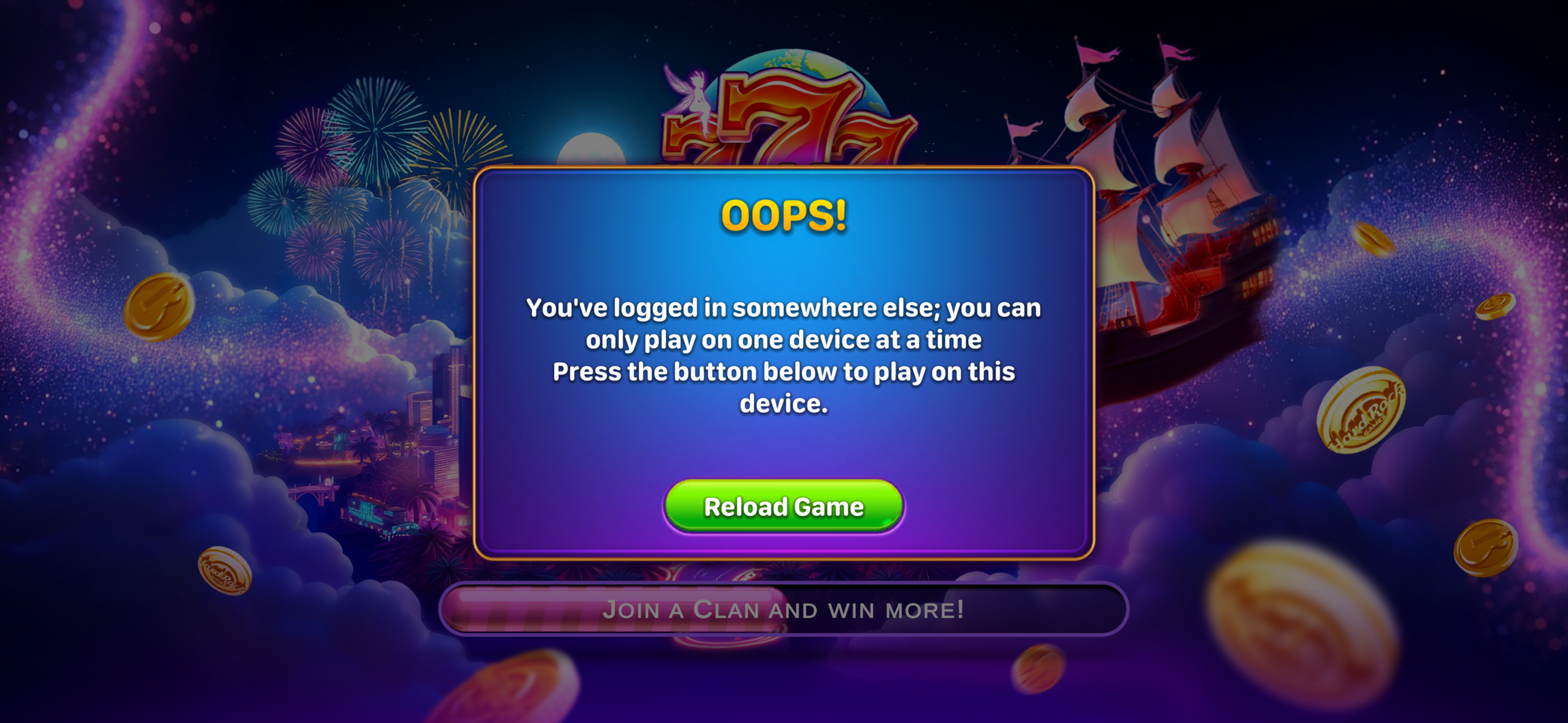
Why am I seeing a "session already active" error?
This error typically appears when:
- You are currently logged into and playing on another device.
- The game is still open in the background on your mobile device.
- A browser session remains active after you recently played on the web version.
How do I resolve this error?
To continue playing:
- Close Hard Rock Neverland Casino on your other device or platform.
- Wait a few moments for the session to disconnect.
- Refresh the browser page or relaunch the mobile app.
- Sign in again if prompted.
Will I lose my progress when switching between web and mobile?
No. Your account progress, balances, rewards, and game data are linked to your account and will remain available when you switch platforms. Simply end your current session before launching the game on another device.
Can I switch between the web version and mobile app?
Absolutely. You can enjoy Hard Rock Neverland Casino on either platform whenever you like. Just remember that only one active session can be used at a time.